Table of Contents
- 5. Strategic Secondary Categories & Dilution Traps
- 6. Seasonal Category Shifting: HVAC, Tourism & Tax Playbooks
- 7. Step-by-Step Protocol to Select & Update Categories
- 8. Category Troubleshooting & Re-Verification Warnings
- 9. Real-World Case Study: Category Pivot Moves Legal Firm #18 to #2
- 10. Frequently Asked Questions
Executive Summary & Category Principles
- Your Primary Category is the single most influential on-profile ranking factor in Google Local SEO, dictating over 60% of topical relevance.
- You cannot create custom category names; you must select from Google's standardized library of over 4,000+ official categories, which Google updates monthly.
- Always follow the Hyper-Specificity Rule: choosing a granular category (e.g., "Cosmetic Dentist" or "Personal Injury Attorney") consistently outranks generic parent terms like "Dentist" or "Lawyer".
- Adding too many conflicting secondary categories triggers Category Dilution, confusing Google's semantic entity models and dragging down rankings for your core money keywords.
- Changing your primary category on an established listing can cause immediate ranking turbulence and may trigger automated re-verification.
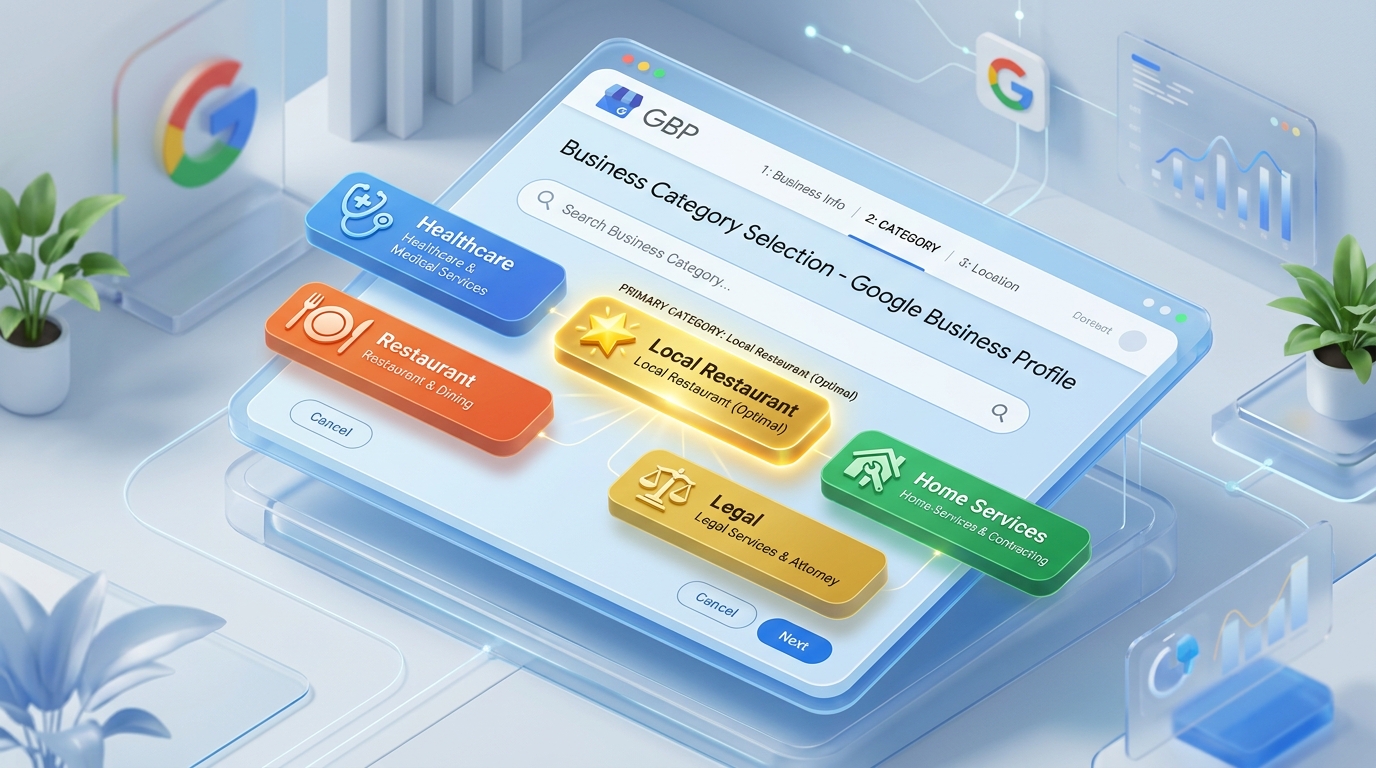
1. The Algorithmic Supremacy of the Primary Category
In every empirical correlation study conducted across local search algorithms, one factor consistently emerges as the most powerful determinant of whether your business appears in the Google Local 3-Pack: the Primary Category.
Google uses your primary category to:
- Determine the default pin icon displayed on Google Maps (e.g., a tooth for dentists, a shopping bag for retail, a fork and knife for restaurants).
- Assign which specialized features, attributes, and menus become available inside your dashboard (e.g., hotel amenities, restaurant food menus, healthcare insurance acceptance).
- Filter search results when users conduct category-level commercial queries without brand names (e.g., "emergency dental clinic near me").
Algorithmic Alert: The Primary Category Monopoly
While Google allows you to select up to 9 secondary categories, your Primary Category commands over 65% of the total category ranking weight. If your primary category is misaligned with the primary commercial query your prospective clients type into Google, your profile will remain mathematically incapable of breaking into the top 3-Pack positions, regardless of how many reviews you accumulate.
2. Deconstructing Google's 4,000+ Predefined Taxonomy
Google maintains an exact, programmatic taxonomy of more than 4,000 categories. This taxonomy varies subtly across countries and languages due to local terminology (for example, "Physiotherapist" in India and the UK versus "Physical Therapist" in the United States).
Crucially, Google frequently introduces new categories and deprecates outdated ones. For instance, in recent years, Google introduced specialized categories like "Electric Vehicle Charging Station", "Meditation Center", and "Telecommunications Service Provider". Staying ahead of newly added categories in your industry allows you to capture uncontested first-mover advantage before your competitors notice.
3. Reverse-Engineering Competitor Categories (PlePer & Tools)
When you view a competitor's listing on Google Maps, Google publicly displays their Primary Category right next to their star rating. However, Google deliberately conceals all their Secondary Categories from the public interface.
How to Spy on Competitor Secondary Categories:
- Use Specialized Chrome Extensions: Tools like PlePer Local SEO Tool or GMB Everywhere automatically extract the full category stack of any Google Maps listing with one click.
- Inspect Page Source HTML: Open Google Maps in your desktop browser → search for your competitor → right-click and select View Page Source → press
Ctrl + Fand search for their primary category name. Surrounding JSON strings will expose every secondary category assigned to their listing. - Map Out the Industry Consensus: Audit the top 5 ranking competitors across your target metro market. Identify the common denominator categories all top-3 rankers utilize.
4. The Hyper-Specificity Rule: Niche vs. Broad Categories
A fundamental rule of Google Business Profile optimization is: Always choose the most hyper-specific category that represents your core revenue engine.
| Industry Sector | Suboptimal Generic Category | Winning Hyper-Specific Primary Category | Competitive Advantage |
|---|---|---|---|
| Dental Medicine | Dentist | Cosmetic Dentist / Dental Clinic | Captures high-ticket cosmetic, whitening, and veneer search queries |
| Legal Services | Lawyer / Law Firm | Personal Injury Attorney / Criminal Defense Attorney | Ranks #1 for high-intent emergency legal searches |
| Automotive Repair | Auto Repair Shop | Brake Shop / Transmission Shop | Dominates specific replacement intent over general garages |
| Food & Dining | Restaurant | North Indian Restaurant / Italian Restaurant | Satisfies precise culinary cravings in food delivery and maps |
5. Strategic Secondary Categories & Dilution Traps
Google allows you to attach up to 9 secondary categories. While secondary categories unlock search discovery for related services, adding unrelated categories triggers Category Dilution.
For instance, if a cosmetic plastic surgery clinic adds "Weight Loss Service", "Day Spa", "Massage Therapist", and "Nail Salon" in an attempt to capture every nearby female searcher, Google's entity model loses clarity. The algorithm no longer views the entity as an elite surgical clinic, causing rankings for "Rhinoplasty Surgeon" and "Facelift Specialist" to plunge. Keep your secondary categories strictly within the logical umbrella of your core profession.
6. Seasonal Category Shifting: HVAC, Tourism & Tax Playbooks
Certain industries experience dramatic seasonal demand swings. For example, a home services company in North India or the US focuses heavily on heating in winter and cooling in summer:
- Summer Strategy (March – August): Set Primary Category to "Air Conditioning Repair Service"; secondary to "Heating Contractor".
- Winter Strategy (October – February): Swap Primary Category to "Heating Contractor" or "Furnace Repair Service"; secondary to "Air Conditioning Contractor".
- The Execution Rule: Only perform this seasonal switch twice a year. Rapid monthly switching flags the profile for review and can trigger sudden re-verification prompts.
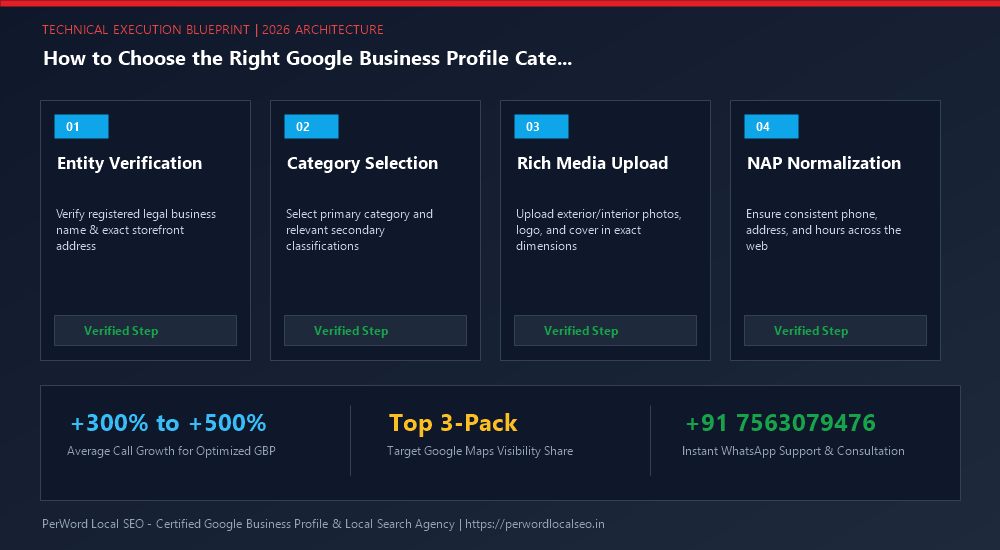
7. Step-by-Step Protocol to Select & Update Categories
Audit Your Top 5 Revenue Services
Review your financial books. Identify which specific service delivers 50%+ of your company's net profit. Your Primary Category must mirror this exact service offering.
Scan Official Predefined Taxonomy
Begin typing keywords into Google's category field to reveal all available official Google variants. Select the most specific match.
Assign 3 to 6 Secondary Categories
Add high-relevance secondary categories that correspond directly to dedicated service landing pages on your linked website.
Save & Monitor Ranking Radius
Click Save. Use a geo-grid tracker (like Local Falcon) to monitor your keyword ranking radius expand over the subsequent 14 to 28 days.
8. Category Troubleshooting & Re-Verification Warnings
| Observed Issue | Root Cause | Immediate Remediation |
|---|---|---|
| Re-Verification Triggered Upon Category Change | High-risk category shift (e.g., from consultant to locksmith or garage). | Be prepared with lease documents, exterior signage photos, and complete the video verification prompt immediately. |
| Rankings Drop for Secondary Keywords | Too many secondary categories added, diluting core entity relevance. | Prune secondary categories down to the top 4 most profitable offerings only. |
| Target Category Not Found in Dropdown | Category is not yet part of Google's official localized taxonomy. | Select the closest official parent category, then add your exact target term as a Custom Service in your Services Menu. |
9. Real-World Case Study: Category Pivot Moves Firm #18 to #2
Verma Corporate Legal Chambers
The Situation: Verma Legal Chambers was languishing at rank #18 on Google Maps for commercial business law queries. Their profile was assigned generic "Law Firm" as Primary Category with zero secondary categories configured.
The PerWord Strategy: We recalibrated their Primary Category to "Corporate Office" / "Commercial Lawyer", added 5 specialized secondary categories (Arbitration Service, Patent Attorney, Tax Attorney), and updated website schema to match. Within 21 days, their listing skyrocketed to Rank #2 across Central Delhi, generating a 290% surge in high-value corporate retainer inquiries.
10. The Impact of Categories on Available Dashboard Features & Attributes
Few business founders realize that your Primary Category unlocks or restricts specific interactive features inside your Google Business Profile dashboard:
- Restaurants & Food Establishments: Gain access to Menu editors, Food Ordering buttons, delivery partner integrations, and culinary dietary attributes (Halal, Vegan, Outdoor Seating).
- Hotels & Lodging: Unlock room class attributes, check-in/check-out schedules, direct Google Hotel Price API feeds, and sustainability certifications. Crucially, hotels lose access to standard GBP Posts.
- Healthcare & Doctors: Unlock insurance accepted attributes, practitioner credentials, and direct appointment booking integrations.
- Automotive Dealerships: Gain access to the Google Vehicle Listing inventory feed, allowing real-time new and used car inventory to display directly on mobile Maps listings.
11. Enterprise Multi-Department Category Architecture
Large institutions—such as multi-specialty hospitals, universities, and commercial vehicle dealerships—frequently provide dozens of distinct services that cannot be captured under one single category without massive category dilution.
The Google-Approved Solution: Department Listings
Google officially permits setting up distinct Department Listings under the same physical roof:
- Main Enterprise Profile: Primary Category = "Hospital" (e.g., "City Metro Hospital").
- Department Profile #1: Primary Category = "Emergency Room" with direct 24/7 emergency telephone extension.
- Department Profile #2: Primary Category = "Pediatric Clinic" with dedicated pediatric appointment URL.
- Department Profile #3: Primary Category = "Pharmacy" with independent pharmacy retail operating hours.
Each department listing must maintain a separate telephone line, independent operating hours, and link to a dedicated sub-department landing page, allowing each branch to dominate its respective niche keyword searches.
12. The 2026 Enterprise Category Audit Checklist
Before committing category modifications to an active profile, execute this rigorous audit checklist:
- Primary Category matches core commercial profit driver
- Verified against top 3-Pack competitors using PlePer
- Secondary categories limited to 3–6 relevant offerings
- No conflicting categories causing entity dilution
- Website H1 and schema synchronized with category taxonomy
- Physical proof / licenses on hand in case of re-verification prompt
13. The Cross-Industry Category Selection Matrix: Top Commercial Niches
To eliminate guesswork, here is PerWord Local SEO's field-tested category taxonomy blueprints for top commercial service sectors:
| Industry Sector | Optimal Primary Category | Recommended Secondary Categories | Categories to Avoid (Dilution Risk) |
|---|---|---|---|
| Plumbing & HVAC | Plumber | Drainage Service, Emergency Plumber, Heating Contractor, Boiler Repair | Handyman, Construction Company |
| Dental Practice | Dental Clinic | Cosmetic Dentist, Dental Implants Periodontist, Teeth Whitening Service, Pediatric Dentist | Medical Center, Health Spa |
| Personal Injury Law | Personal Injury Attorney | Law Firm, Trial Attorney, Legal Services | Real Estate Attorney, Criminal Justice Attorney |
| Real Estate Brokerage | Real Estate Agency | Commercial Real Estate Agency, Real Estate Consultant, Property Management | Mortgage Broker, Apartment Complex |
| Automotive Workshop | Auto Repair Shop | Brake Shop, Oil Change Service, Car Inspection Station, Wheel Alignment | Used Car Dealer, Car Rental Agency |
Need Expert Help with How to Choose the Right Google Business Profile Category?
Is your phone number stuck in pending review? Did your live video verification get rejected, or has your profile suffered an unexpected suspension? Do not risk permanent account loss. Our certified Google Local SEO engineers resolve complex issues within 24 to 72 hours with 100% money-back guarantee.
Frequently Asked Questions (FAQs)
Related Resources & Local Services
Author: Amit Kumar (Lead Local SEO & GBP Strategist)
Google Certified Search Specialist | 10+ Years Experience in Local SEO & Business Profile Scaling
Amit Kumar has helped over 2,500 businesses in India and internationally secure top-3 Google Maps placement, recover suspended listings, and capture sustainable local inbound leads. For direct technical inquiries, contact our team below.