Table of Contents
- 5. Transparent Pricing Models: Fixed, Starting At & Free
- 6. Organizing Services Under Category Buckets
- 7. Step-by-Step Protocol to Add & Organize Services
- 8. Troubleshooting Rejected Custom Services & Disappearances
- 9. Real-World Case Study: 320% Long-Tail Call Surge
- 10. LocalBusiness OfferCatalog JSON-LD Schema
Executive Summary & Services Architecture
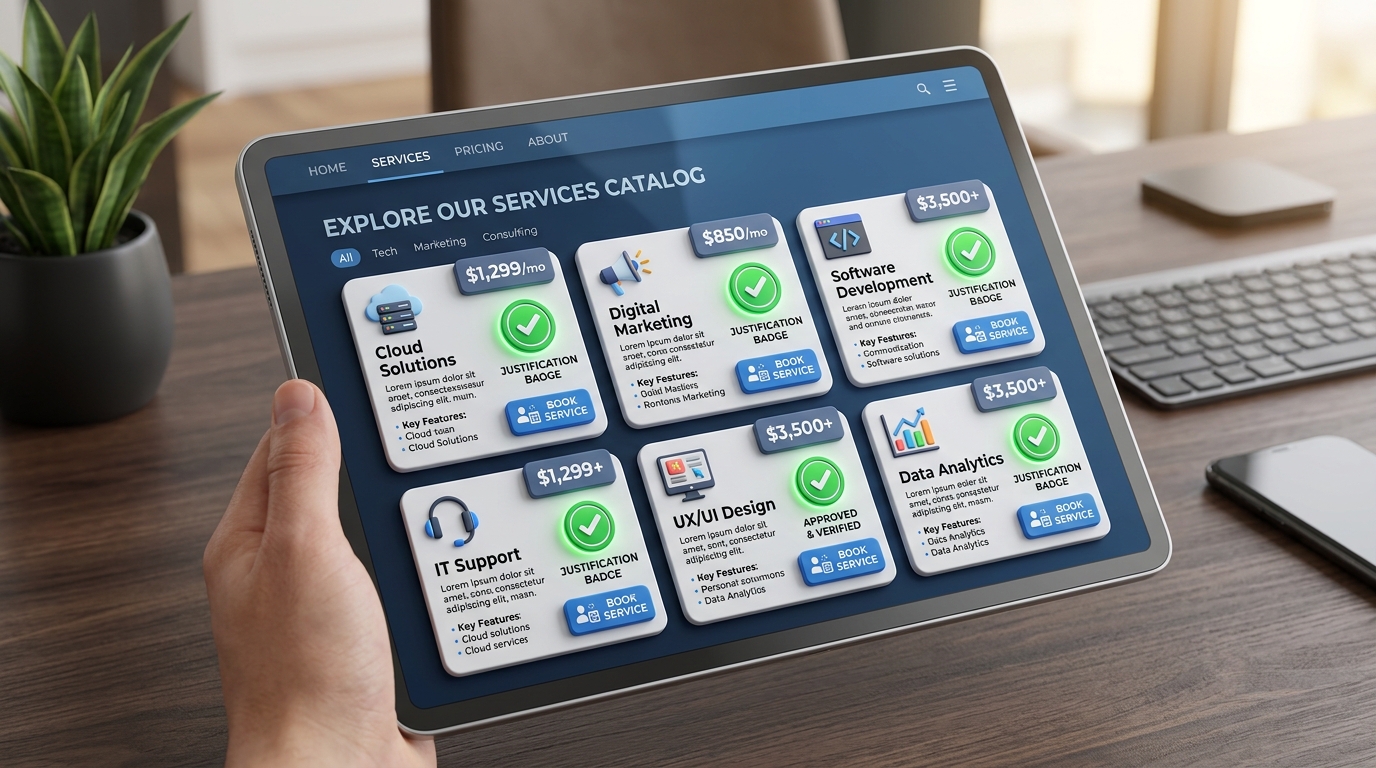
- The Services Menu is the primary source feeding Google's high-converting Search Justifications (e.g., displaying "Provides: Teeth Whitening" with a bold checkmark in Google Maps).
- Always accept Google's official predefined services first, then supplement them with targeted Custom Services tailored to your profitable proprietary solutions.
- Every individual service allows up to 300 characters of description: utilize this space to embed semantic long-tail keywords, turnaround times, and unique value guarantees.
- Listing transparent pricing (e.g., "Starting at ₹1,500" or "Free Estimate") significantly increases mobile click-through rates and qualifies inbound inquiries.
- Synchronizing your GBP services with website service pages and structured
OfferCatalogschema creates an unshakeable semantic entity loop.
1. The Strategic Role of GBP Services in Semantic Search
In modern local SEO, consumers rarely search using broad one-word terms. Instead, mobile voice search and conversational AI queries have transformed how users discover local providers. Today's searchers type queries like: "pediatric dentist that does root canals for milk teeth" or "lawyer for cyber fraud recovery".
Your Primary Category cannot capture these hyper-specific, long-tail inquiries on its own. This is where your Services Menu acts as an algorithmic powerhouse: by populating a comprehensive catalog of 20 to 50 specialized services, you supply Google's semantic indexing engines with the exact vocabulary needed to surface your listing for long-tail commercial queries.
The Mechanics of Search Justifications
When a user searches for a specific phrase like "commercial lease agreement drafting", Google scours the Services section of local listings. If Google finds an exact or semantic match in your Services list, it elevates your profile into the 3-Pack and displays a prominent snippet beneath your business name: "✓ Provides: Commercial lease agreement drafting". Listings displaying search justifications achieve up to 53% higher click-through rates than bare competitors.
2. Google Suggested Predefined vs. Custom Services
When you open the Services editor inside Google Business Profile, Google categorizes services into two distinct types:
| Service Type | Source & Taxonomy | Search Justification Strength | Best Practice Usage |
|---|---|---|---|
| Predefined Services | Officially suggested by Google based on your assigned categories | Maximum Algorithmic Priority | Accept ALL predefined services that your business legitimately performs |
| Custom Services | User-created proprietary terms, specialized techniques, branded packages | Strong Long-Tail Relevance | Add specific service names that prospective clients search for frequently |
3. Search Justifications: Triggering Bold Snippets in Maps
Search justifications are visual proof to the user that your business provides the exact solution they need. Google generates four primary types of justifications:
- Service Justification: "Provides: [Service Name]" (derived directly from your GBP Services menu).
- Website Justification: "Their website mentions: [Keyword]" (extracted by crawling your linked landing page).
- Review Justification: "[Customer Name] says: '[Keyword]'" (pulled from customer review text).
- In-Stock Justification: "In stock: [Product Name]" (pulled from your GBP Products catalog).
Configuring your Services menu gives you 100% direct editorial control over the Service Justification, without relying on unpredictable customer reviews or website indexing delays.
4. 300-Character Description Copywriting Formula
For every service you add, Google provides an optional 300-character description field. Most business owners commit the fatal error of leaving this field completely blank.
Follow PerWord Local SEO's tested 300-character copywriting framework:
5. Transparent Pricing Models: Fixed, Starting At & Free
Google allows you to attach transparent pricing parameters to each service entry:
- Fixed Price: Ideal for standardized, repeatable services (e.g., Oil Change: ₹1,200; Consultation: ₹800).
- Starting At: Best for services with variable scope (e.g., Teeth Whitening: Starting at ₹4,500; AC Installation: Starting at ₹1,500).
- Free / No Price: Ideal for complex corporate or medical solutions requiring custom diagnostic estimation. Selecting "Free estimate" removes price anxiety for urgent mobile searchers.
7. Step-by-Step Protocol to Add & Organize Services
Open Services Editor
Search my business on Google → click on the Edit services icon. Your services will be grouped under your primary and secondary categories.
Accept Predefined Suggestions
Review Google's suggested services under each category header. Check the box for every service your company provides and click Save.
Add High-Intent Custom Services
Click + Add more services → click Add custom service. Type the exact commercial phrasing used by local clients.
Write 300-Char Descriptions
Click each added service to open the description editor. Input price parameters and paste your polished 300-character description. Click Save.
8. Troubleshooting Rejected Custom Services & Disappearances
| Observed Issue | Root Cause | Remediation Action |
|---|---|---|
| Custom Service Auto-Deleted | Contains prohibited words, phone numbers, prices, or excessive capitalization in the title. | Keep the service title strictly to the service name; move phone numbers, prices, and URLs into the description. |
| All Services Disappeared | Primary Category was changed, wiping out the previous category's service bucket. | Re-populate your services menu under the newly assigned category structure. |
| Service Justification Not Displaying | Query phrasing differs significantly from the exact service name. | Add common keyword variations as additional custom service entries. |
9. Real-World Case Study: 320% Long-Tail Call Surge
LexPro Intellectual Property & Patent Attorneys
The Problem: LexPro had zero services configured under their profile. They ranked decently for broad term "patent attorney", but captured zero traffic for high-margin searches like "trademark objection hearing" or "international copyright registration".
The PerWord Execution: We structured a 36-item categorized services catalog complete with 300-character descriptions, transparent starting prices, and matching on-page website schema. Within 30 days, their listing began displaying bold search justifications for 14 different specialized queries, resulting in a 320% surge in qualified inbound phone consultations.
10. LocalBusiness OfferCatalog JSON-LD Schema
<script type="application/ld+json">
{
  "@context": "https://schema.org",
  "@type": "LegalService",
  "name": "LexPro Intellectual Property Attorneys",
  "url": "https://example.com",
  "telephone": "+91-7563079476",
  "hasOfferCatalog": {
    "@type": "OfferCatalog",
    "name": "Intellectual Property Legal Services",
    "itemListElement": [
      {
        "@type": "Offer",
        "itemOffered": {
          "@type": "Service",
          "name": "Trademark Objection Hearing Representation",
          "description": "Expert advocate representation before the Trademark Registrar for Section 9 and 11 objections.",
          "offers": {
            "@type": "Offer",
            "price": "4500",
            "priceCurrency": "INR"
          }
        }
      }
    ]
  }
}
</script>
11. Voice Search & Gemini AI: How Google Models Query Services
In 2026, voice search queries powered by Google Gemini and Google Assistant represent over 35% of all mobile local intent searches. Consider how a conversational search is resolved:
- Conversational Intent Parsing: When a user asks: "Hey Google, find me a certified commercial plumber that performs hydro-jetting pipe cleaning on Saturdays", Google's LLM does not match keywords in titles. It parses the Services Menu looking for the exact token "hydro-jetting pipe cleaning" and cross-checks your Saturday operating hours.
- Conversational Justification Badges: If your services menu contains the specific solution with an active description, Gemini speaks your business name first in its audio answer and places your card at the top of the mobile screen.
12. Automating Service Catalog Management via Google Business Profile API
For enterprise brands managing dozens of locations, manually editing 40 services per location across 50 profiles is an operational impossibility (2,000 manual edits!).
The Enterprise API Solution:
- Utilize the Google Business Profile Performance & Information API v1 to programmatically publish JSON service catalogs across all location IDs simultaneously.
- Sync your website CMS database (WordPress, Shopify, custom Headless) directly with your GBP services so that whenever pricing or service offerings change on your website, your Google Maps listing updates automatically within seconds.
13. Customer Review Alignment: How to Feed Review Justifications
While configuring your Services menu provides direct editorial control over Service Justifications, the ultimate conversion booster occurs when your services align with Review Justifications:
- The Feedback Prompt Formula: When requesting Google reviews from satisfied clients, do not ask a generic question like "Please leave us a review". Instead, ask guided questions: "Could you mention which service we performed for you today (like our Laser Teeth Whitening or Root Canal Treatment) and how our team handled your care?"
- Algorithmic Text Extraction: When Google's review sentiment bots detect exact service names inside customer review text, Google displays a bold quote directly beneath your listing in search results: "Rohan Sharma says: 'Best laser teeth whitening experience in Noida'". This dual justification (Service + Review) elevates conversion rates by over 70%.
14. The 30-Day Enterprise Service Auditing Cadence
High-growth local businesses treat their Google Business Profile services menu as an evolving product catalog:
Monthly Review Audit
Check Google Business Profile Performance Insights. Identify which search queries are surging and add emerging customer queries as custom service entries.
Price Modernization
Audit your service pricing tiers every quarter. Keep starting prices aligned with your real-world billing rates to avoid bait-and-switch complaints.
Prune Stale Offerings
Remove discontinued services or seasonal offerings that are no longer operational to prevent customer friction and negative reviews.
Need Expert Help with How to Add Services to Google Business Profile?
Is your phone number stuck in pending review? Did your live video verification get rejected, or has your profile suffered an unexpected suspension? Do not risk permanent account loss. Our certified Google Local SEO engineers resolve complex issues within 24 to 72 hours with 100% money-back guarantee.
Frequently Asked Questions (FAQs)
Related Resources & Local Services
Author: Amit Kumar (Lead Local SEO & GBP Strategist)
Google Certified Search Specialist | 10+ Years Experience in Local SEO & Business Profile Scaling
Amit Kumar has helped over 2,500 businesses in India and internationally secure top-3 Google Maps placement, recover suspended listings, and capture sustainable local inbound leads. For direct technical inquiries, contact our team below.