Table of Contents
Executive Summary: The Science of Local Visual Search
- According to Google official behavioral telemetry, listings with high-quality photos receive 42% more requests for driving directions on Google Maps and 35% more click-throughs to their websites than listings without photos.
- Google does not view photos as static eye candy. Every uploaded image is parsed in real time by Google Cloud Vision AI, extracting text (OCR), identifying entities (e.g., surgical equipment, dental chair, espresso machine), assessing adult/violent safe-search scores, and mapping topical relevance.
- Stock photos and AI hallucinations are strictly penalized. Google cross-checks reverse image databases; duplicate or generic stock photography results in automated rejection, silent shadowbanning, or profile suspension for deceptive representations.
- A steady upload velocity of 2 to 4 authentic workplace photos per week signals active operational legitimacy far better than uploading 50 images in a single day and remaining dormant for months.
1. How Google Cloud Vision AI Audits Profile Photos
When an owner or customer uploads an image to a Google Business Profile, it passes through Google's automated machine learning pipeline powered by Google Cloud Vision API. Within milliseconds, neural networks dissect the visual matrix into mathematical entity vectors.
Understanding this computational process explains why simply "uploading pretty pictures" is insufficient for elite Local SEO performance. Google extracts four primary diagnostic layers from your images:
Entity & Label Annotation
Vision AI detects physical objects, tools, furnishings, and environments. If you operate an orthodontic clinic, Google labels your images with "Orthodontics," "Medical equipment," "Dentist chair," "Oral hygiene." These entity labels reinforce your primary and secondary business categories in local semantic indexing.
Optical Character Recognition (OCR)
Google's OCR engine reads all text visible within the frame—storefront signs, reception desk plaques, branded company uniforms, certificates on the wall, and price menus. High-contrast photos displaying your exact registered legal business name on physical signage directly validate business authenticity.
Landmark & Geo-Spatial Triangulation
Exterior photos capturing neighboring commercial landmarks, street signage, and municipal architectural features are cross-referenced against Google Street View imagery and satellite data. This proves to Google's ranking algorithms that your physical establishment genuinely exists at the pinpointed geographic coordinates.
SafeSearch & Quality Scoring
Every asset is graded on probability metrics across five classifications: Adult, Spoof, Medical, Violence, and Racy. Photos exhibiting excessive post-production filters, artificial text overlays exceeding 10% of image area, or heavy blurriness receive low quality scores and are permanently suppressed from high-visibility search carousels.
2. The 5 Core GBP Photo Categories You Must Cover
Google organizes photos into specific contextual buckets. A robust profile must maintain high-resolution coverage across all five categories to fulfill Google's profile completeness requirements:
| Photo Category | Recommended Subject Matter | Optimal Technical Specs | Local SEO Strategic Benefit |
|---|---|---|---|
| Exterior Photos | Storefront entrance from 3 angles (head-on, approaching from left street, approaching from right). Include permanent exterior building signage and parking area during daytime and dusk. | 16:9 ratio (1200x675px or 1920x1080px), natural daylight, unedited RAW/JPEG, under 5MB. | Assists drivers locating entrance; matches Google Street View nodes for geographic trust signals. |
| Interior Photos | Main reception lobby, customer seating, conference rooms, service bays, treatment rooms, clean architectural wide-angles showcasing clean ambiance. | 4:3 or 16:9 ratio, balanced ambient interior lighting, wide-angle lens (no fisheye distortion). | Reduces customer booking hesitation; increases dwell time and engagement signals on Maps card. |
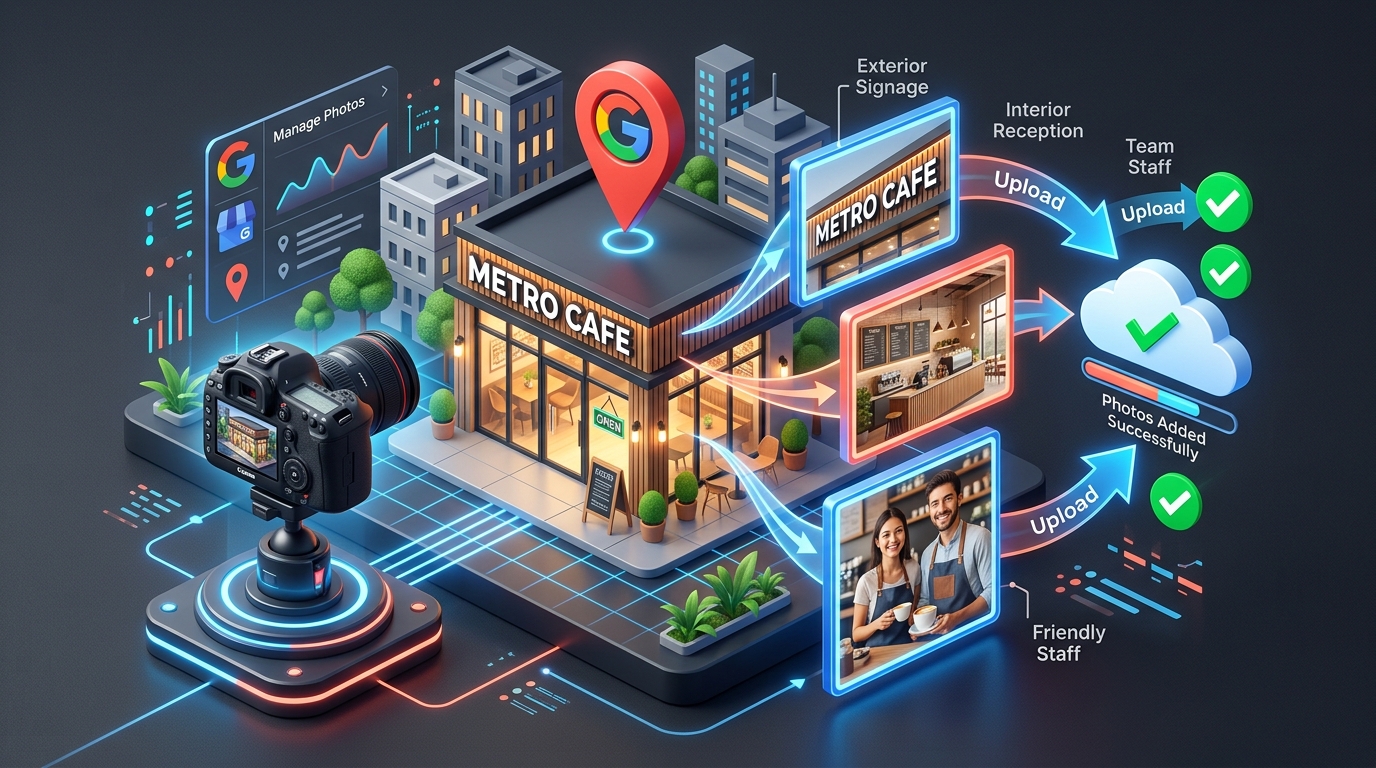
| Team & Staff | Friendly headshots and candid group portraits of principal founders, doctors, technicians, or customer care representatives in clean corporate uniform. | Square 1:1 or 4:3, eye-level composition, genuine smiles, natural professional setting. | Humanizes the commercial entity; establishes high E-E-A-T (Experience, Expertise, Authoritativeness, Trust). |
| At-Work / Action | Staff actively performing services: chef plating a signature dish, dentist reviewing X-ray, mechanic inspecting brakes, lawyer reviewing documents. | Dynamic action framing, sharp focus on process, clean professional background. | Vision AI tags specific service entities; justifies higher transactional search intent ranking. |
| Brand Identity | High-contrast square Logo badge (1:1) and panoramic Cover Photo (16:9) highlighting the brand facade. | 720x720px for Logo; 1024x576px for Cover Photo. Strict RGB color profile. | Forms the visual anchor for mobile search knowledge cards and brand trust recognition. |
3. The Stock Photo Trap: Why Generic Assets Get De-indexed
Policy Violation Alert: Stock Imagery & AI Synthetic Assets
Under the official Google Maps User Contributed Content Policy, photos uploaded to business profiles must be "taken at the location of the business by the business owner, employee, or customer." Stock photos purchased from Shutterstock, Getty Images, or Freepik, as well as AI-generated photorealistic deepfakes, violate representation guidelines. Google's automated visual fingerprinting algorithm detects duplicate image hashes and will quietly hide the images from public view or flag the listing for deceptive business practices.
Many agency owners believe downloading polished stock photography makes a profile look more professional. In reality, modern searchers instantly recognize artificial stock models with fake smiles, sterile backgrounds, and unrealistic lighting. More critically, Google's algorithms compare image visual signatures against billions of indexed web pages. When Google recognizes a stock image that also appears on 400 other websites across the globe, it assigns zero local trust value to the asset.
4. Upload Cadence: Batch Dumping vs. Steady Freshness Velocity
One of the most frequent operational errors local business owners make is uploading 60 photos during their initial setup and never adding another image for two years. Google’s local ranking algorithm heavily factors in listing activity and freshness velocity.
A listing that continuously publishes 2 to 3 new real-world photos every week signals to Google that:
- The physical establishment is thriving, operational, and experiencing daily foot traffic.
- The business owner actively maintains their digital presence, ensuring operating details and offerings remain accurate.
- Fresh seasonal inventory, updated service capabilities, and newly hired team members are constantly documented.
5. Step-by-Step Protocol to Upload Photos via Search & Maps NMX
Google has migrated all business profile management directly into the Google Search and Google Maps interface (the New Merchant Experience / NMX). Follow this exact protocol to upload and categorize your imagery:
Access Your Verified Profile
Sign in to the Google Account linked to your profile → search my business or your registered brand name in Google Search → locate the Business Profile dashboard.
Click the 'Add photo' Icon
In the management tile grid, click the Add photo icon (camera with plus sign). A modal will prompt you to select between Photo, Logo, or Cover photo.
Select Uncompressed Image Files
Select your high-resolution image (PNG or JPG). Ensure the file is between 10KB and 5MB, minimum 720x720 resolution, and free of artificial text banners or promotional discount stamps.
Review Moderation Status
Uploaded photos enter an automated review queue. Under normal conditions, images go live within 2 to 10 minutes. Check the "Photos" tab to verify that the status reads "Published" rather than "Pending" or "Not approved."
6. Moderating & Removing Inappropriate Customer Photos
Customers visiting your business have the right to upload user-generated content (UGC) directly to your listing. While genuine customer photos boost conversion credibility, competitors or disgruntled individuals may upload irrelevant, blurry, or defamatory photos (such as images of unhygienic conditions, wrong locations, or copyrighted material).
As a business owner, you cannot directly delete a customer-uploaded photo. However, you can trigger Google’s human and algorithmic review to enforce removal:
- Navigate to your listing on Google Maps and open the Photos > By visitors tab.
- Click on the offending photograph to expand it to full screen.
- In the top right corner, click the three-dot menu icon → select Report a problem (flag icon).
- Select the exact violation category: Off-topic (not related to this place), Poor quality (blurry, unreadable), Hate speech / Harassment, Conflict of interest (uploaded by a competitor), Copyright infringement.
- Submit the report. Google typically processes image removal flags within 48 to 72 hours. If the image remains active and clearly violates policy, open a formal case with Google Business Profile Support providing proof of non-ownership.
7. Real-World Case Study: Dental Clinic Sees 310% Surge in Appointment Calls
AuraSmile Advanced Dental Care
The Baseline Problem: The clinic had been open for 14 months but only uploaded 3 photos (a low-res exterior smartphone shot, an empty reception, and a generic stock graphic of dental floss). Despite 4.9-star reviews, their 3-Pack impression share was below 12%, and prospective patients frequently called asking if the clinic had modern sterilization technology.
The PerWord Visual Optimization Strategy:
- Captured and uploaded 28 high-resolution RAW photographs covering the German autoclave sterilization room, advanced 3D CBCT imaging suite, ergonomic patient chairs, and exterior day/dusk signage.
- Introduced professional portraits of the chief orthodontist and pediatric dental specialists with medical credentials visible on lab coats.
- Instituted a weekly protocol uploading 2 "at-work" case progress photos (with patient consent) showcasing smile design alignments and porcelain veneer artistry.
- Embedded
ImageObjectschema markup linking directly to GBP photo assets on their official procedures landing page.
Documented 90-Day Results:
8. ImageObject & LocalBusiness Structured Data Implementation
To reinforce visual entity signals across Google Search and Google Maps, synchronize your GBP photo assets with structured JSON-LD data embedded on your official website. Use the image array inside the LocalBusiness schema:
<script type="application/ld+json">
{
  "@context": "https://schema.org",
  "@type": "Dentist",
  "name": "AuraSmile Advanced Dental Care",
  "url": "https://aurasmiledental.example.com",
  "telephone": "+91-98765-43210",
  "image": [
    "https://aurasmiledental.example.com/assets/exterior-front-entrance.jpg",
    "https://aurasmiledental.example.com/assets/reception-waiting-lounge.jpg",
    "https://aurasmiledental.example.com/assets/sterilization-facility.jpg",
    "https://aurasmiledental.example.com/assets/chief-orthodontist-dr-sharma.jpg"
  ],
  "logo": "https://aurasmiledental.example.com/assets/aurasmile-logo-720x720.png",
  "address": {
    "@type": "PostalAddress",
    "streetAddress": "Shop 14, Prestige Ozone Arcade, Whitefield Main Rd",
    "addressLocality": "Bangalore",
    "addressRegion": "Karnataka",
    "postalCode": "560066",
    "addressCountry": "IN"
  },
  "geo": {
    "@type": "GeoCoordinates",
    "latitude": 12.9698,
    "longitude": 77.7499
  }
}
</script>
9. Frequently Asked Questions (FAQ)
Need Expert Help with How to Add Photos to Google Business Profile?
Are your products rejected, or are your photos and business hours failing to show up on Google Maps? Do not let algorithmic glitches derail your inbound customer flow. Our certified Google Local SEO engineers optimize and verify high-performance business profiles within 24 to 72 hours.
Frequently Asked Questions (FAQs)
Related Resources & Local Services
Author: Amit Kumar (Lead Local SEO & GBP Strategist)
Google Certified Search Specialist | 10+ Years Experience in Local SEO & Business Profile Scaling
Amit Kumar has helped over 2,500 businesses in India and internationally secure top-3 Google Maps placement, recover suspended listings, and capture sustainable local inbound leads. For direct technical inquiries, contact our team below.